


Es posible que al visualizar un archivo .CSV en Excel se muestre de manera errónea, esto es debido a que nuestro “separador” o “delimitador” no es el correcto.
For example, if we have the system in English, the default delimiter of the OS is the semicolon (;) instead of the comma (,) as usual.
For the correct visualization of the file it is necessary that our computer has the numerical format of "Spanish (Mexico)", for this we carry out these simple steps:
Ingresamos al “panel de control” de nuestra computadora.
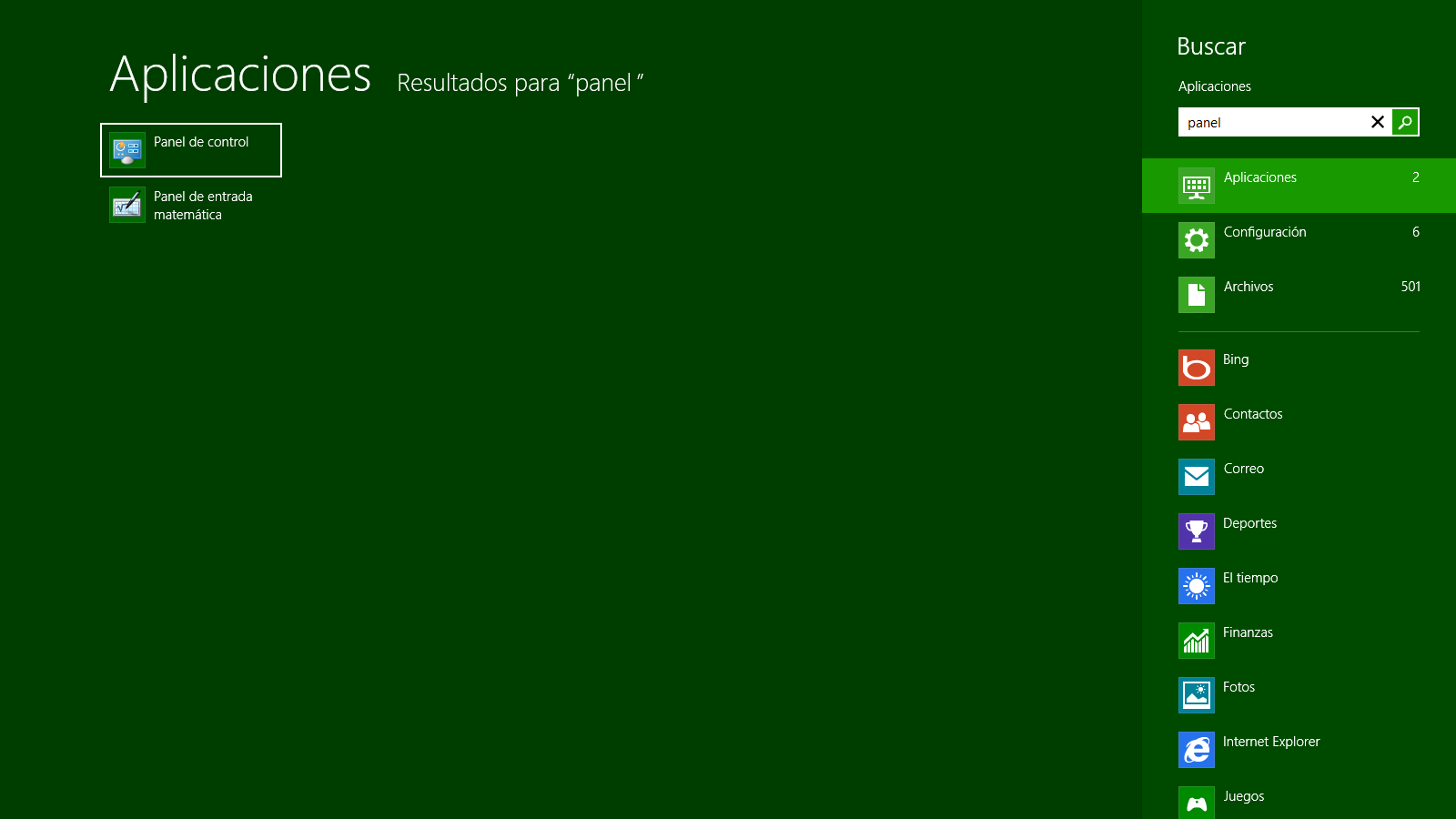
We look for the word "region" and click on it.

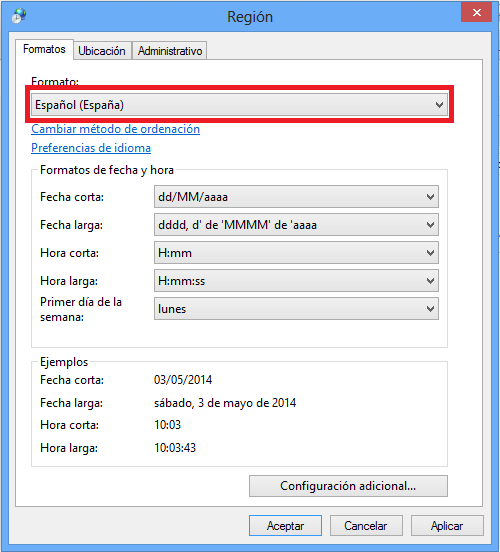
We position ourselves in the format option.
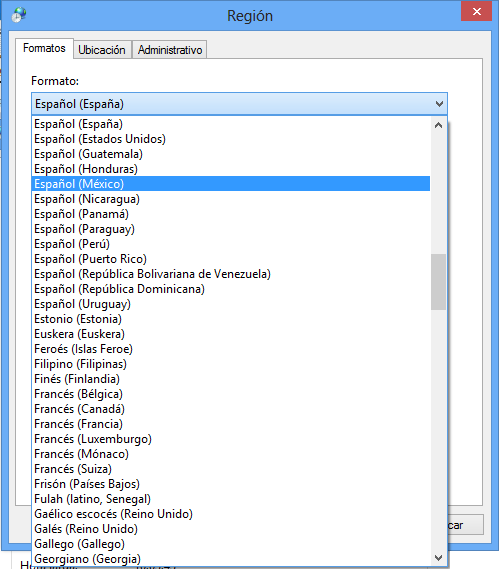
From the tab that is displayed, we select “Spanish (Mexico)”.
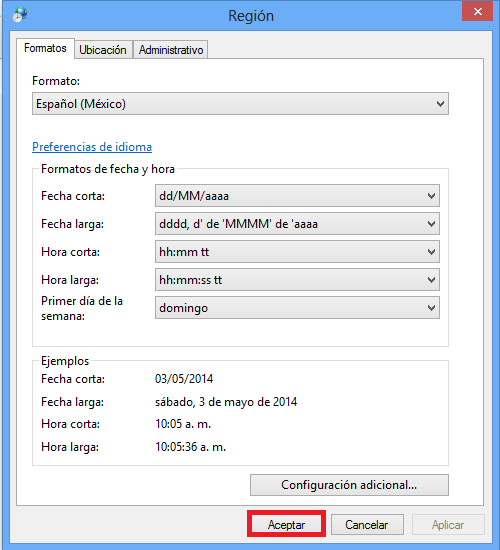
We click on accept to save the changes made.
Now we just have to start Excel again and de esta manera nuestros archivos .CSV con “Separador” de coma(,) se mostraran de manera correcta.













No Comment