


When we buy a point of sale online, one of the main questions is: Will it work with my printer?
Usually, online points of sale send printing directly from the Internet browser. In this tutorial we will see how to adjust the printing from the Firefox browser

The first thing is to enter the Firefox browser
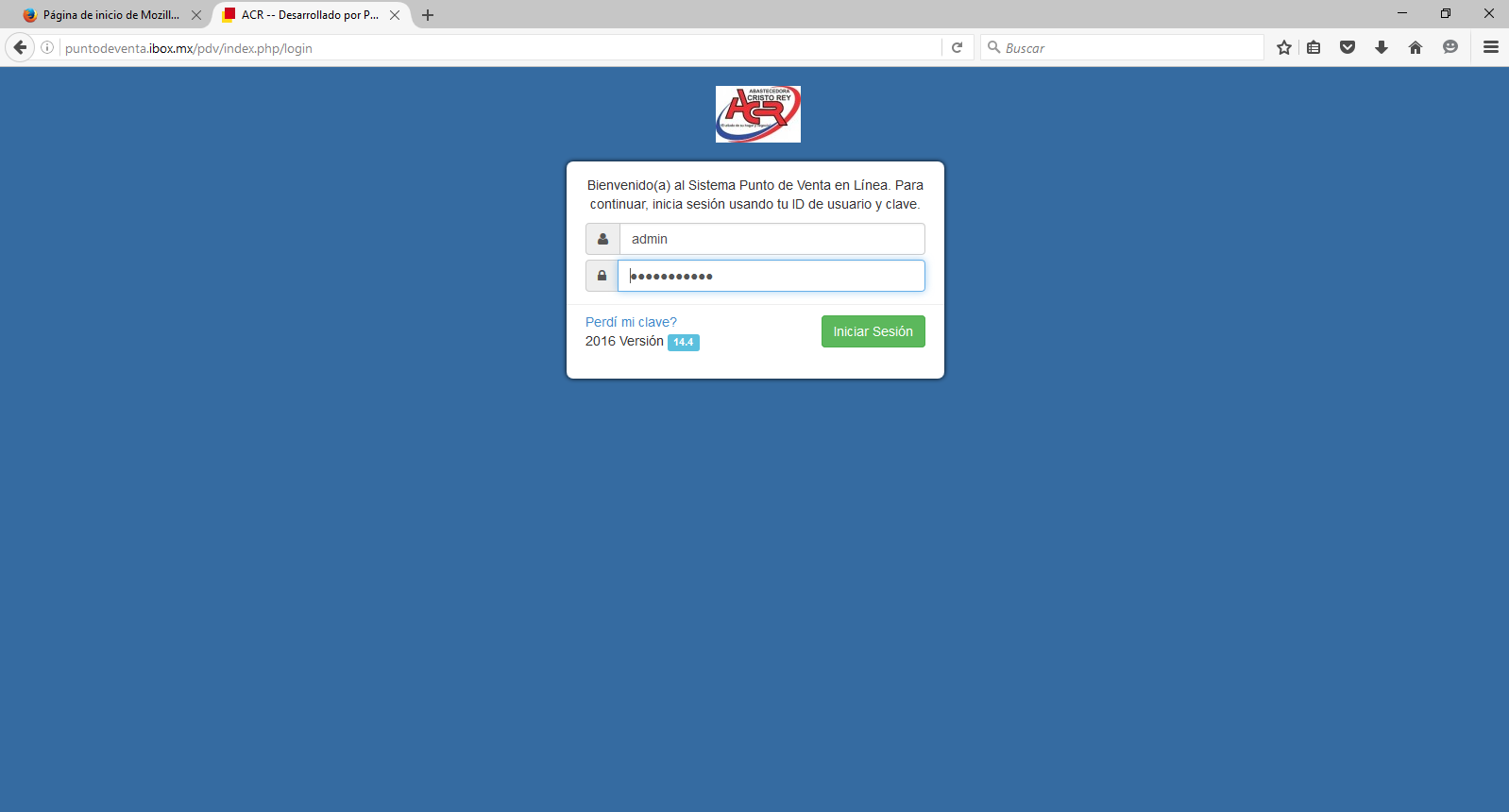
The second step is to enter the section of to print :

It sends us to the print option, then we press the option set page ...
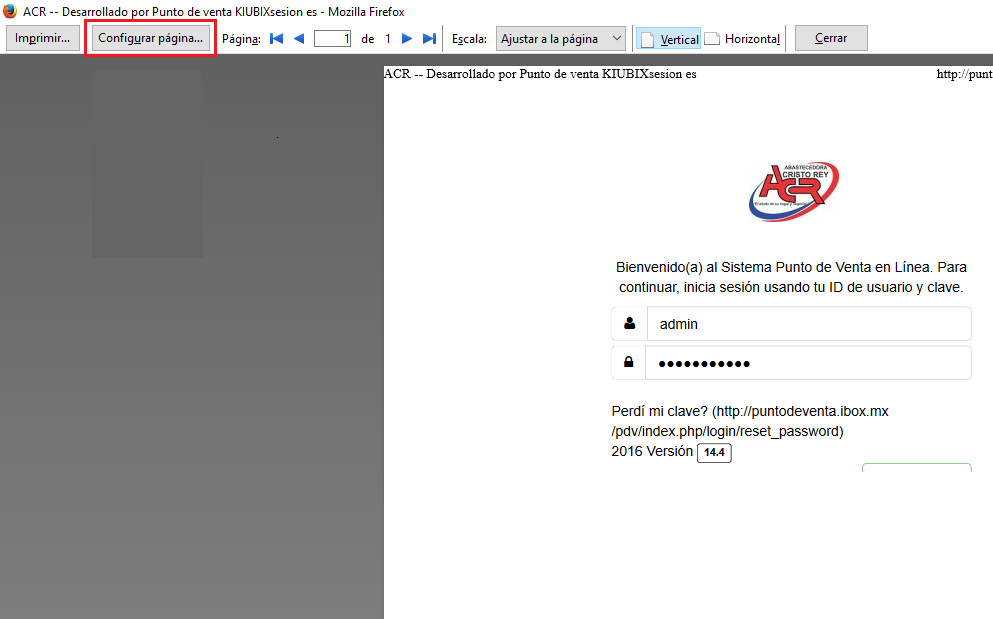
Finally in Margins and headings we put everything in the option -nothing-

And ready
In this way, your ticket will be adjusted to the size of your printer








No Comment