



You can disable the plugin JSecure Lite If by mistake you installed the extension, enabled the plugin and did not configure the password configuration in the component, or you lost the session and the backend was closed, following these instructions:
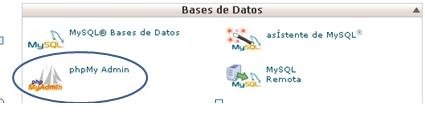
1.- You must access your cPanel, Databases, phpMyAdmin and edit the database of the affected Joomla installation.
2.- Localiza la tabla “_plugins” o “_extensions” y haz clic en “Editar”.
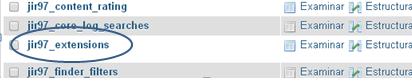
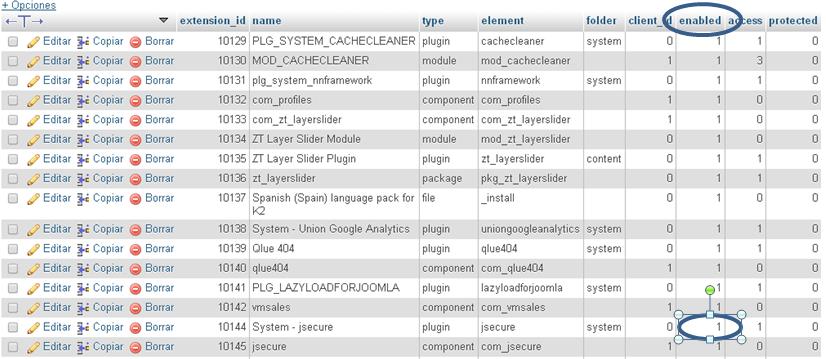
3.- Localiza el registro ” jsecure_lite” (It is usually the last one on the second or third page (phpMyAdmin presents the 30 paginated queries in 30 items).

4.- Edit the item jsecure_lite y modifica el campo “Published” o “enabled” (dependiendo de la version con la que cuentan) de “1” (published) to “0” (unpublished) and click Save.
5.-Verify that you already load your website from the backend and first set the component settings (password) before re-enabling the plugin.












No Comment