


If the server where you have contracted the Hosting service has cPanel installed, you will already know that from it it is very easy to access the phpMyAdmin of each of the domains.
However, it is possible that at some point you need to access the phpMyAdmin of a domain without having to first log in to the Control panel.
This can be done easily using this URL:
https://dominio.com:2083/3rdparty/phpMyAdmin/index.php
Donde “dominio.com” lo tendrás que sustituir por el nombre del dominio para el que requieres ingresar a tu phpMyAdmin.
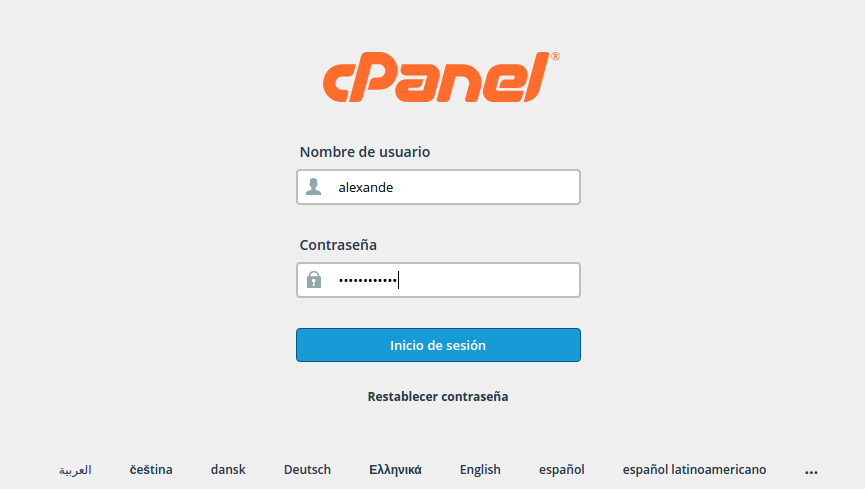
When you enter this URL in a browser, a login screen will be displayed where you have to indicate the username and password of the domain's cPanel. Once the data has been entered, it will redirect you directly to the phpMyAdmin of this domain.
I hope this is of your help.












Thank you…. This is why it was possible to recover my boss's wordpress keys!