


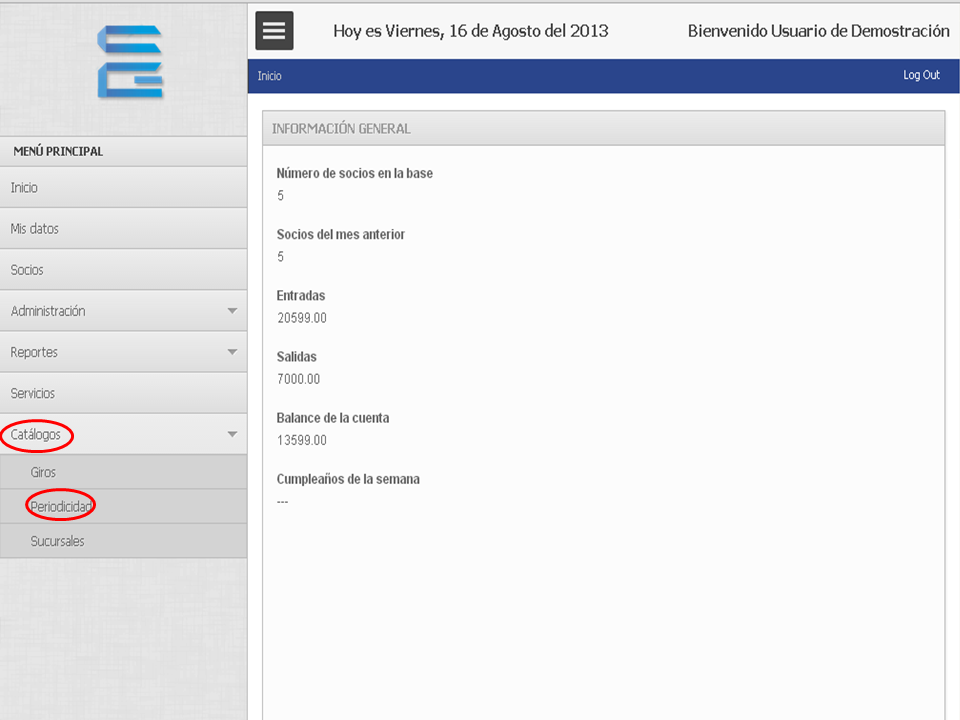
1. Hacemos clic en “Catálogos” y luego en “Periodicidad”.
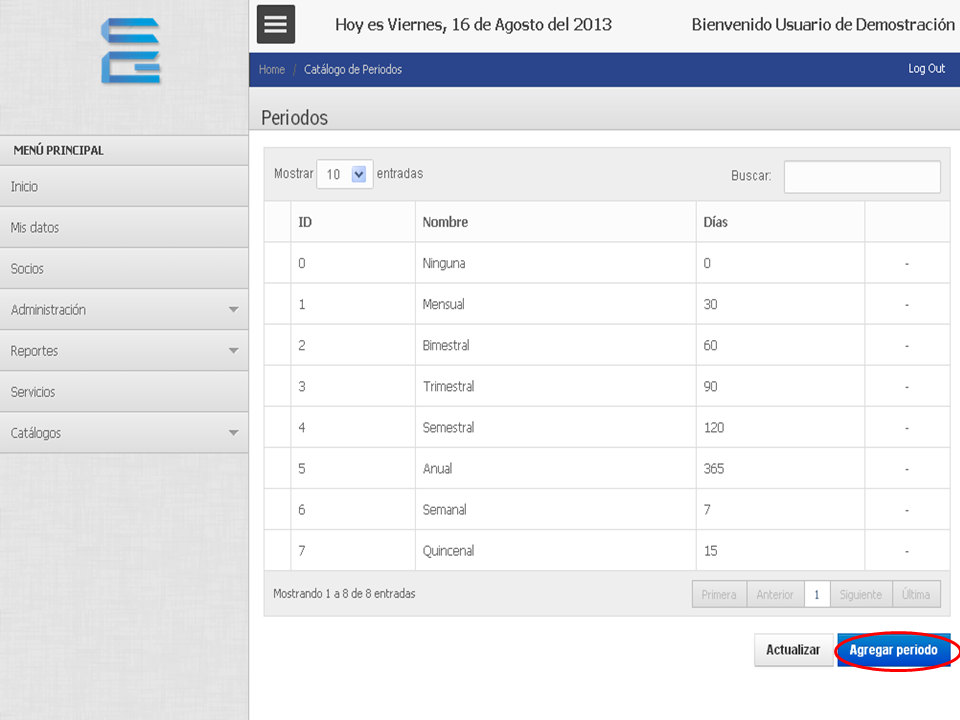
2. Hacemos clic en “Agregar periodo”.
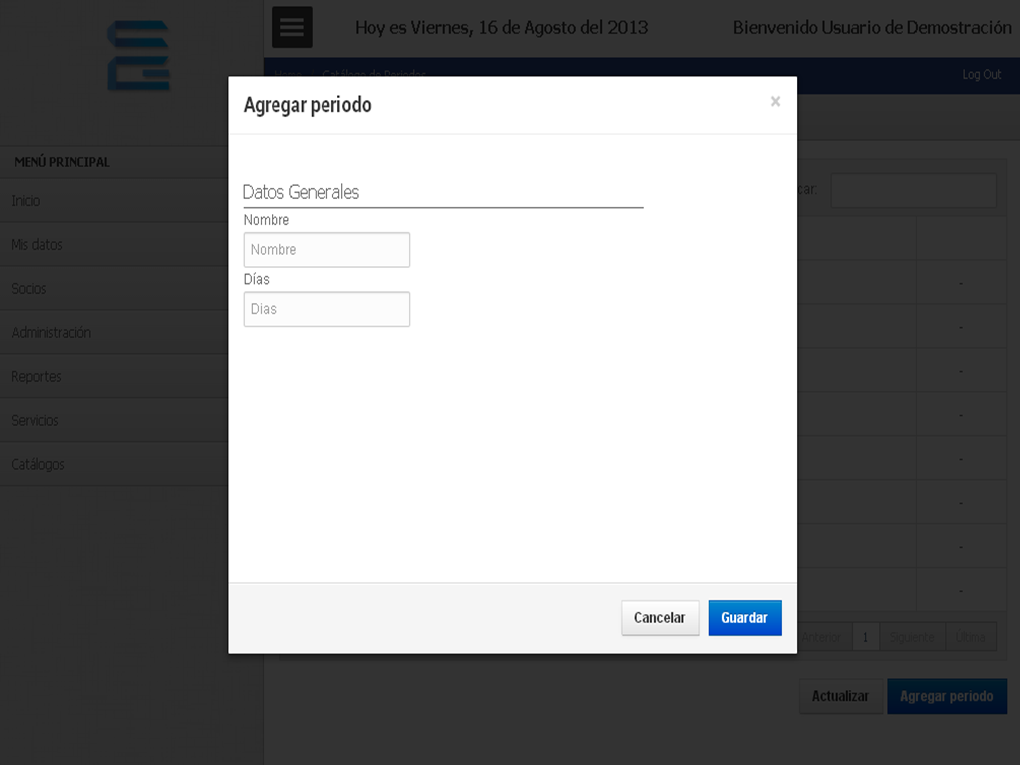
3. A form will appear where we will write the name of the period and the number of days that the period will have.
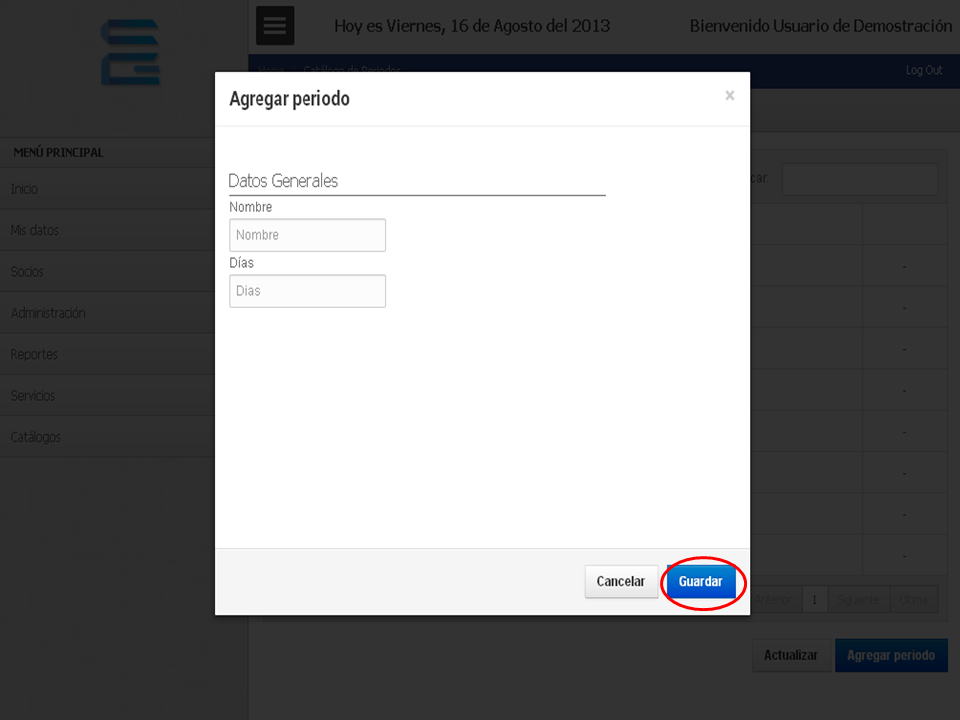
4. Cuando terminemos, hacemos clic en “Guardar”.
TUTORIAL
[vsw id=”nyLy7HMSgxQ” source=”youtube” width=”640″ height=”344″ autoplay=”no”]









No Comment