


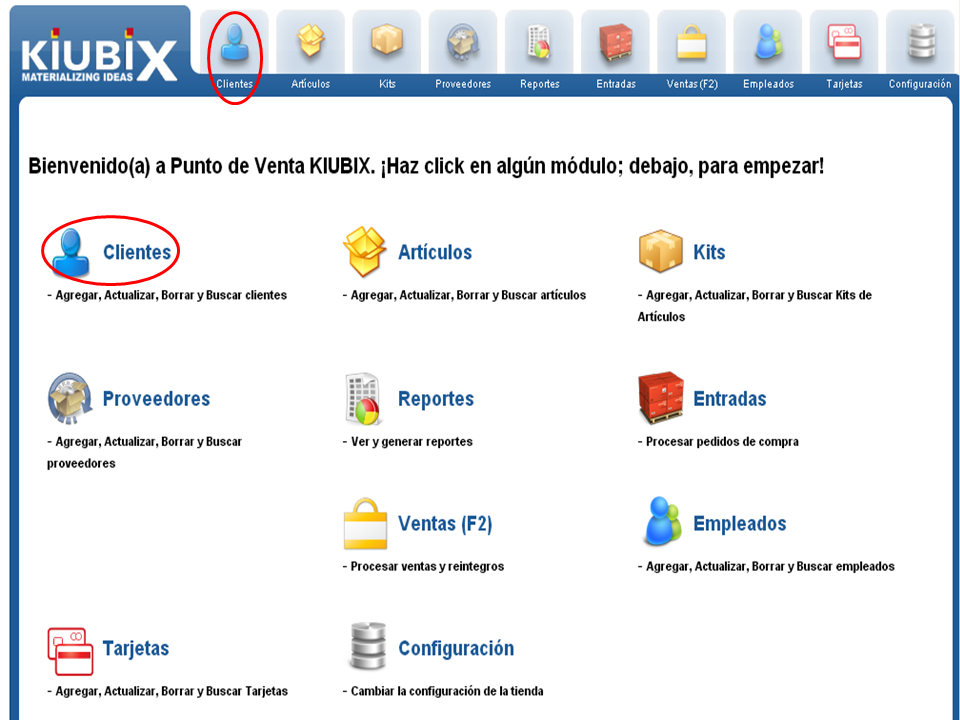
1. Hacemos clic en “Clientes” en la barra de menús o en el panel de control.
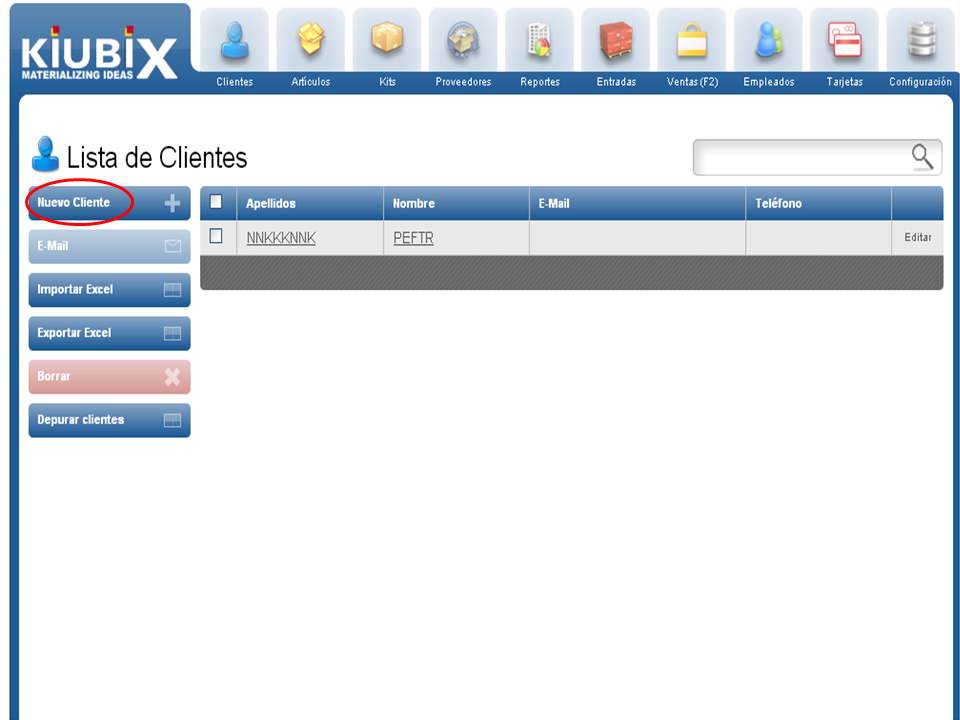
2. Hacemos clic en “Nuevo Cliente”.
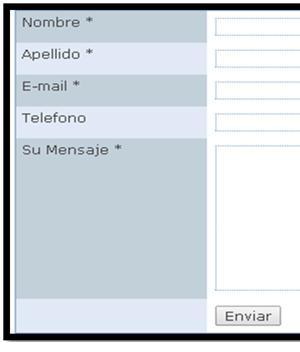
3. A form will appear. We write the necessary information to register the client. (Fields in red are required)
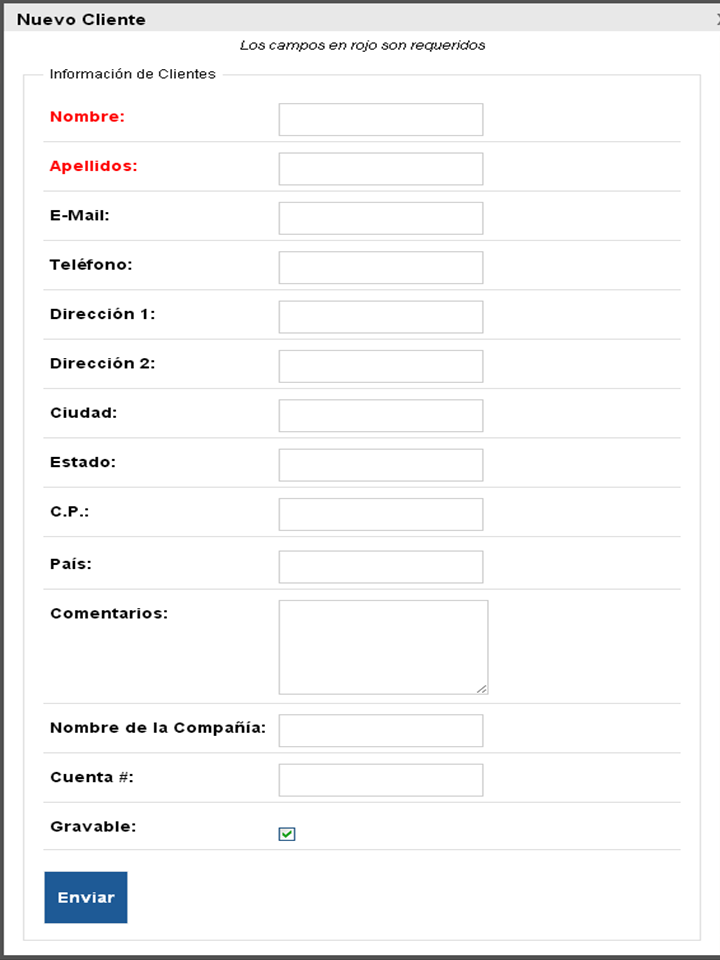
Taxable: we select if we want the client to be charged taxes.
4. Cuando hayamos terminado hacemos clic en el botón de “Enviar” que se encuentra al final del formulario.

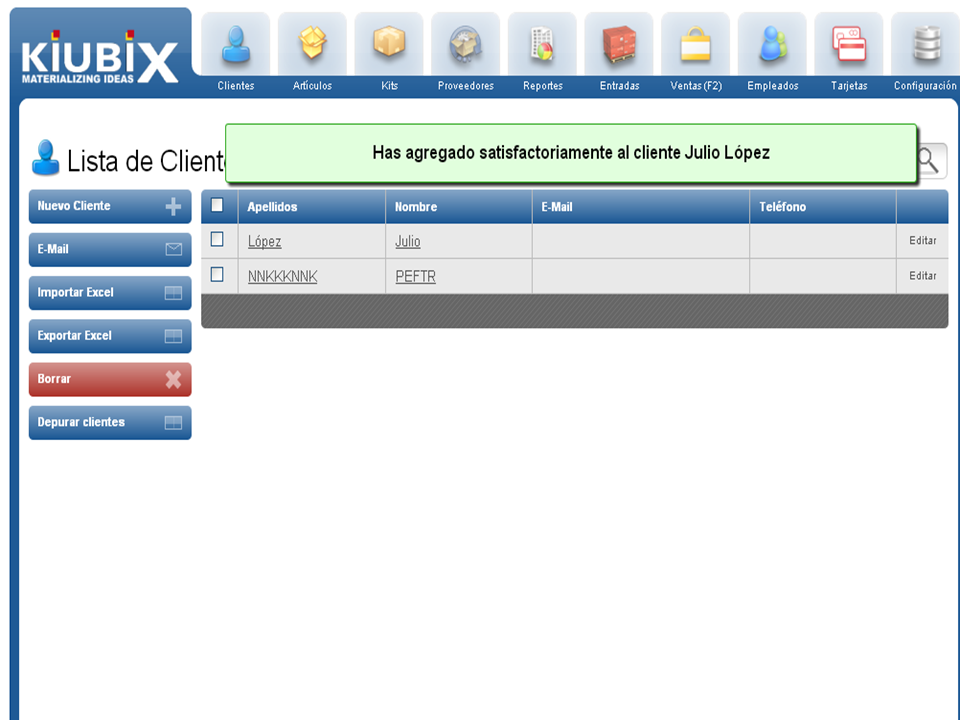
5. We will get a confirmation message.
TUTORIAL
[vsw id=”4KwUAjFrK0Y” source=”youtube” width=”640″ height=”344″ autoplay=”no”]











No Comment