


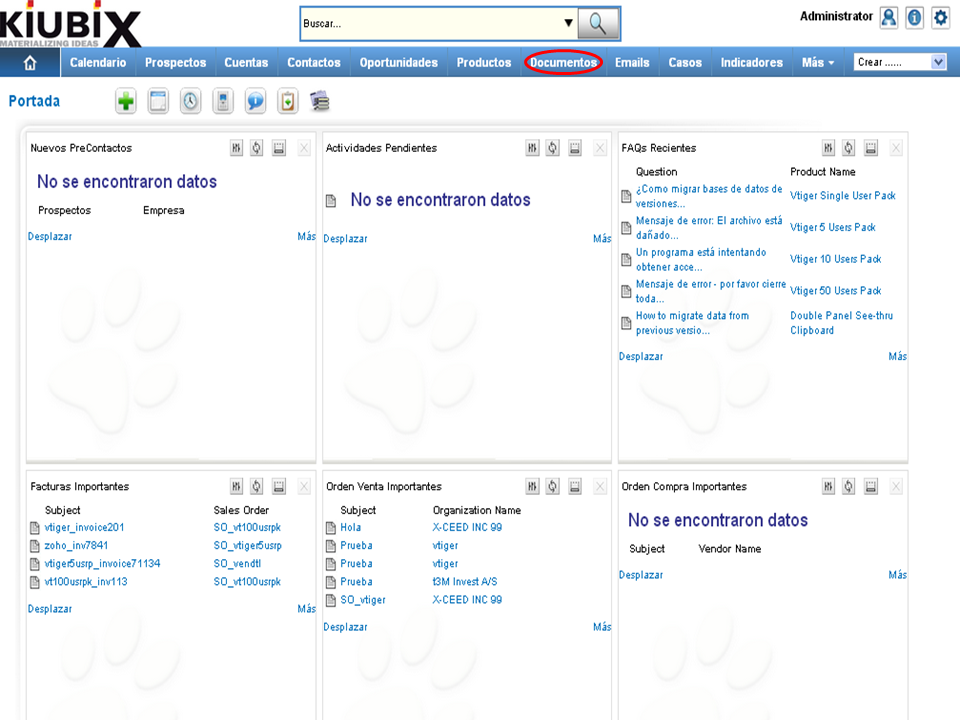
1. Hacemos clic en “Documentos” en la barra de menús.
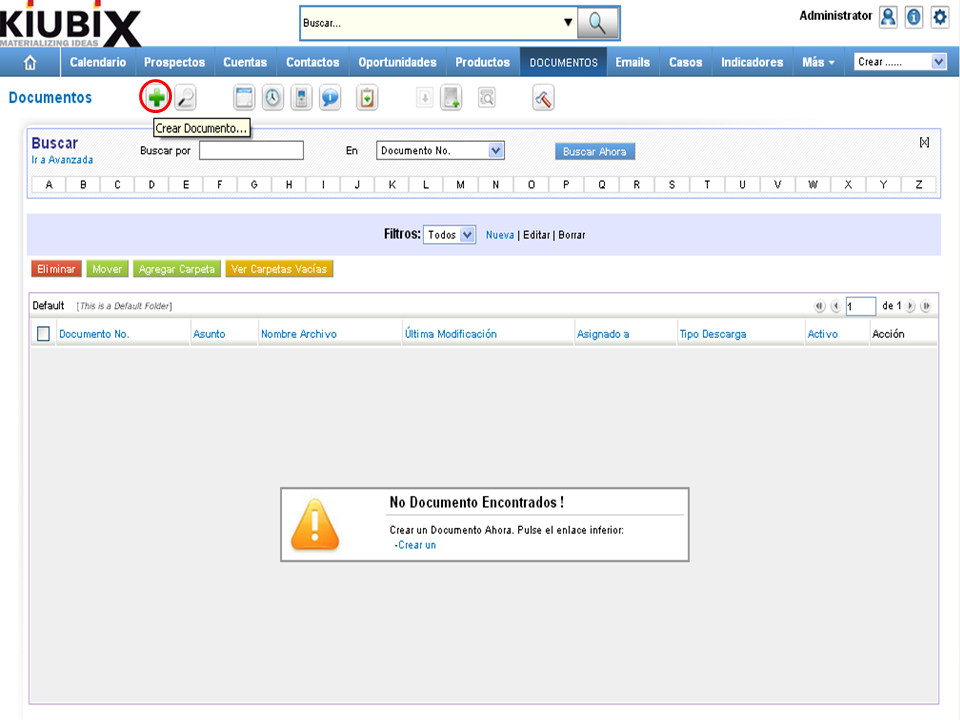
2. Hacemos clic en “Crear Documento”.
3. A form will appear:
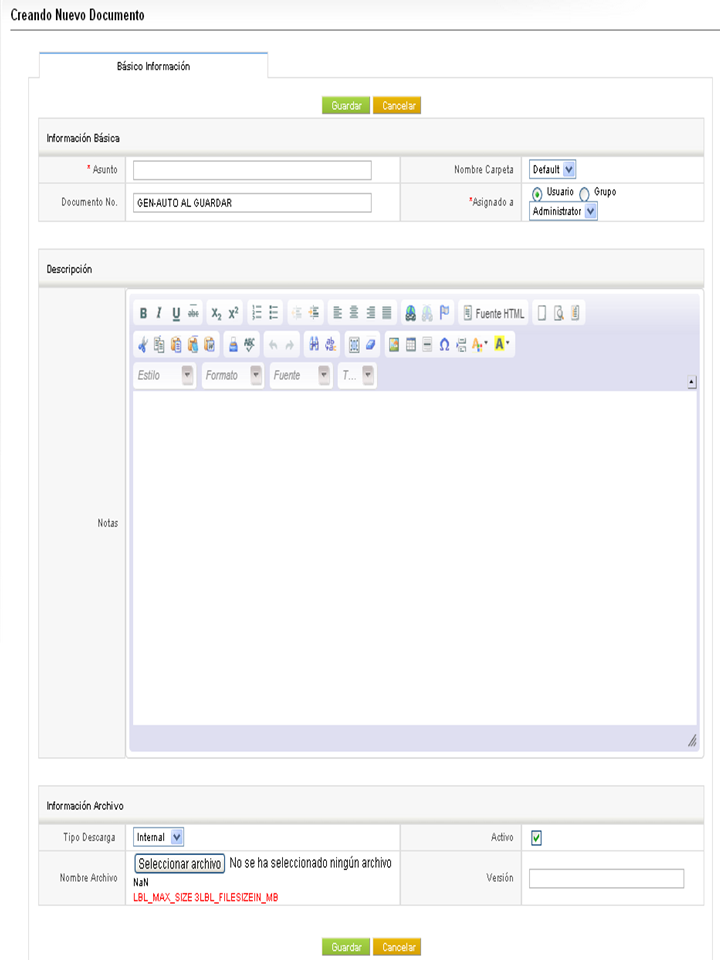
Here's how to fill in each field:
Basic information
- Subject: we write the name of the document.
- Folder Name: we select the folder where we are going to save the document.
- Assigned to: we select the person or group to whom we assign the document.
Description
- Notes: we write a description of the file.
Information File
- Download Type: we select the type of download, which can be: internal or external.
- File Name: in this section we select the file that we are going to upload.
- Active: we select if we want the file to be active for download.
- Version: we write the version of the file.
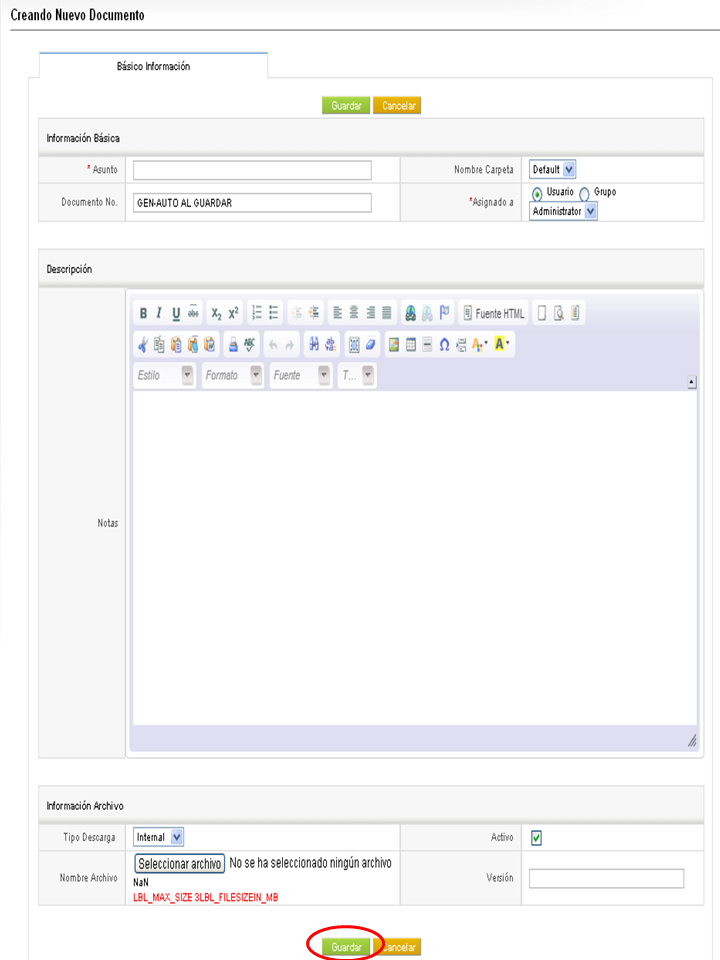
4. When we have finished we click on the "Save" button.
TUTORIAL
[vsw id=”mbM1T0mAfFo” source=”youtube” width=”640″ height=”344″ autoplay=”no”]










No Comment