


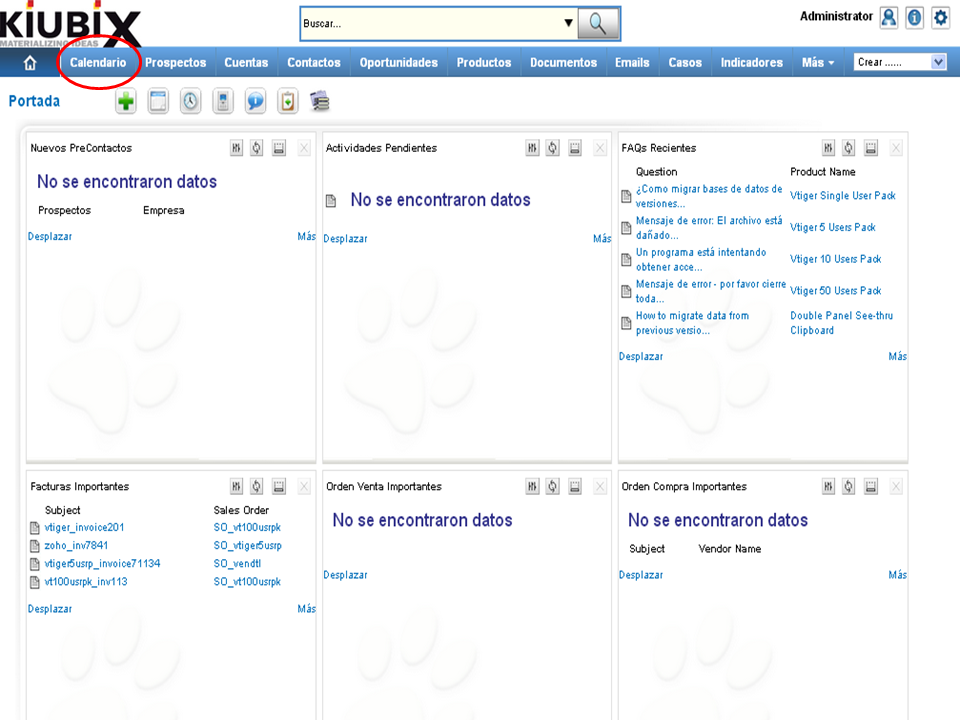
1. Hacemos clic en “Calendario” en la barra de menús.
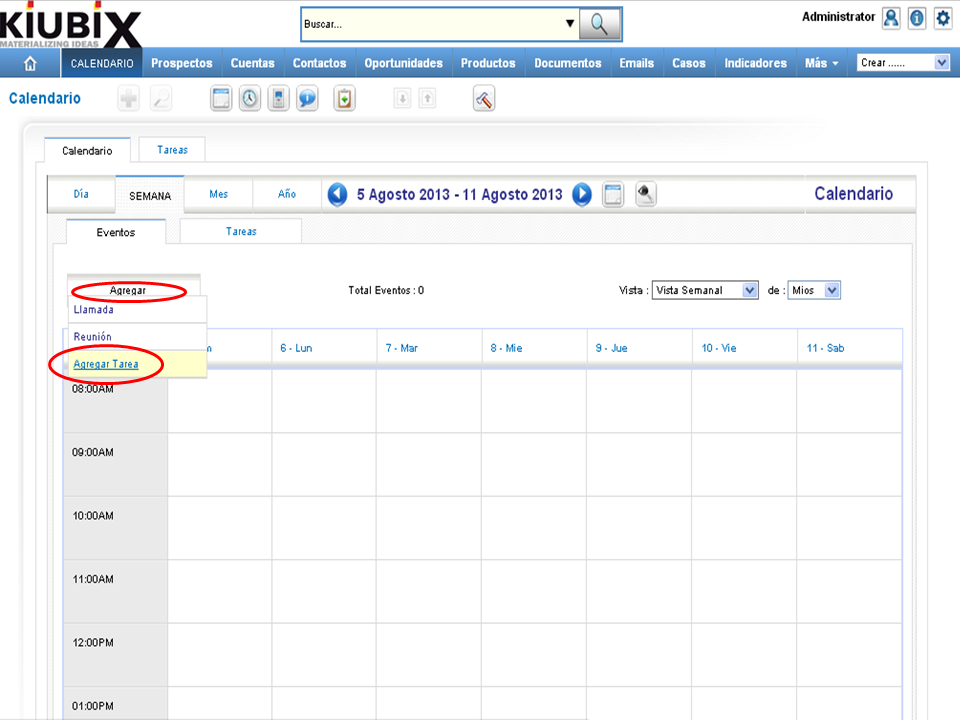
2. Ponemos el cursor sobre “Agregar”, nos aparecerá un menú desplegable y hacemos clic en “Agregar Tarea”.
3. A form will appear:
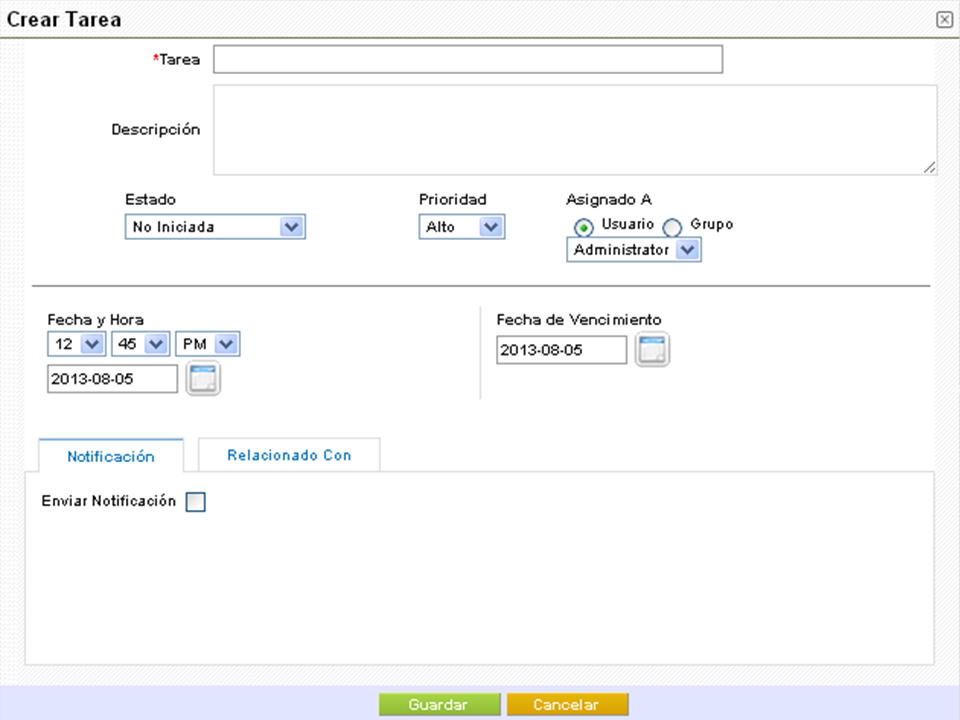
Here's how to fill in each field:
- Task: we write the name of the task.
- Description: we write what the task is about.
- Status: we select the status of the task, which can be: not started, in progress, completed, pending data, delayed or planned.
- Priority: we select the priority of the task, which can be: high, medium or low.
- Assigned A: we select the person or group that will be in charge of carrying out the task.
- Date and Time: we select the date and time at which the task should be performed.
- Due Date: we select the date and time in which the task should be completed.
Here's what the tabs at the bottom of the form do:
- Notification: we select if we want VTiger to send a notification of the task.
- Related to: we select the categories and / or contacts that are related to the task.
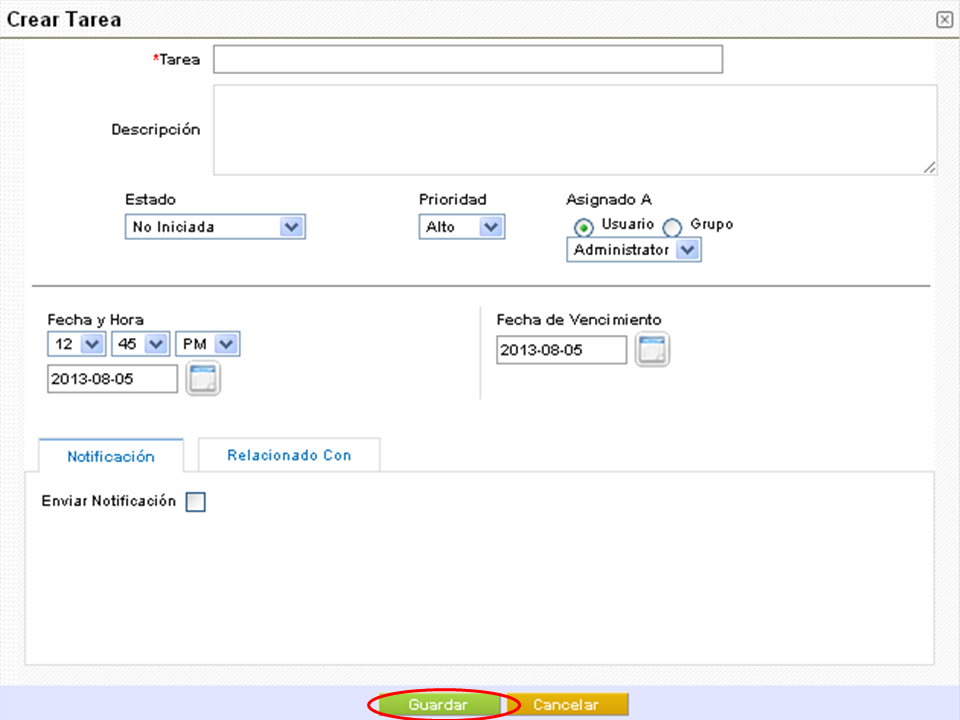
4. When we have finished we click on the "Save" button.
TUTORIAL
[vsw id=”EfU7Nogz5uk” source=”youtube” width=”640″ height=”344″ autoplay=”no”]









No Comment